Independent restaurants without a full-time IT team
Cybersecurity & AI Advice for Restaurants
Restaurants & Food Service
Blueforce partners with restaurant owners to protect business systems and improve daily operations. We combine cybersecurity, dependable POS and network support, and AI consulting to evaluate available tools and support practical adoption around shifts, staff review, and customer-data boundaries.
Advice shaped around your businessCybersecurity and secure AI adoptionConsulting through implementation
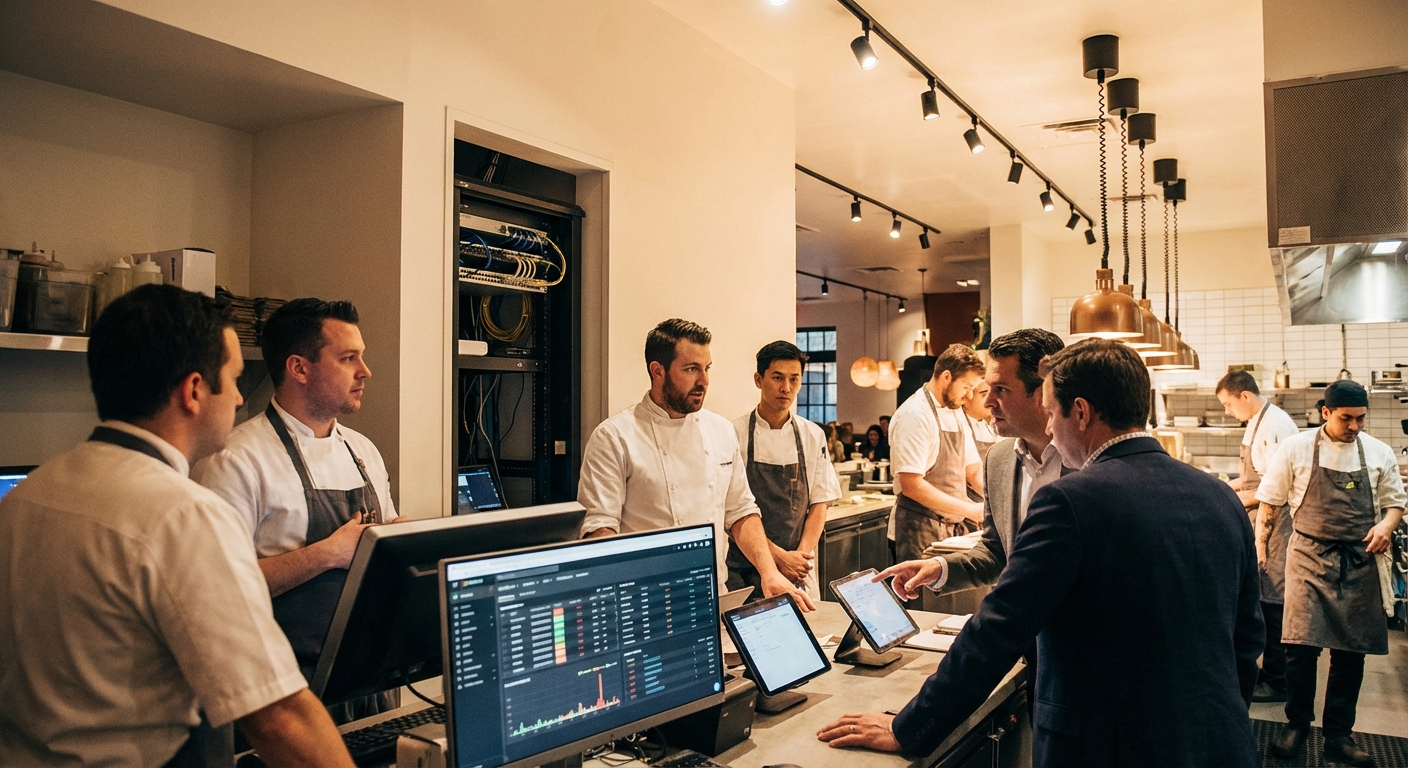
Who we partner with
The teams and operating environments this approach is designed to support.
Multi-location operators using shared POS, ordering, or scheduling platforms
Food-service teams that need a workable fallback for checkout and online orders
Owners who want staff access and network settings documented instead of passed down informally
How the work gets done
The people, systems, and handoffs that keep daily operations moving.
A slow POS terminal can hold up the line even when the payment processor is working
Online orders may pass through a marketplace, middleware provider, kitchen display, and printer before reaching staff
Guest Wi-Fi, cameras, music systems, tablets, and office devices compete for the same connection in many locations
Seasonal hiring and shift changes make shared passwords and forgotten accounts easy to overlook
Managers need a paper or offline procedure when a vendor cannot restore service immediately
Systems your team depends on
The technology and handoffs that shape security, reliability, and support priorities.
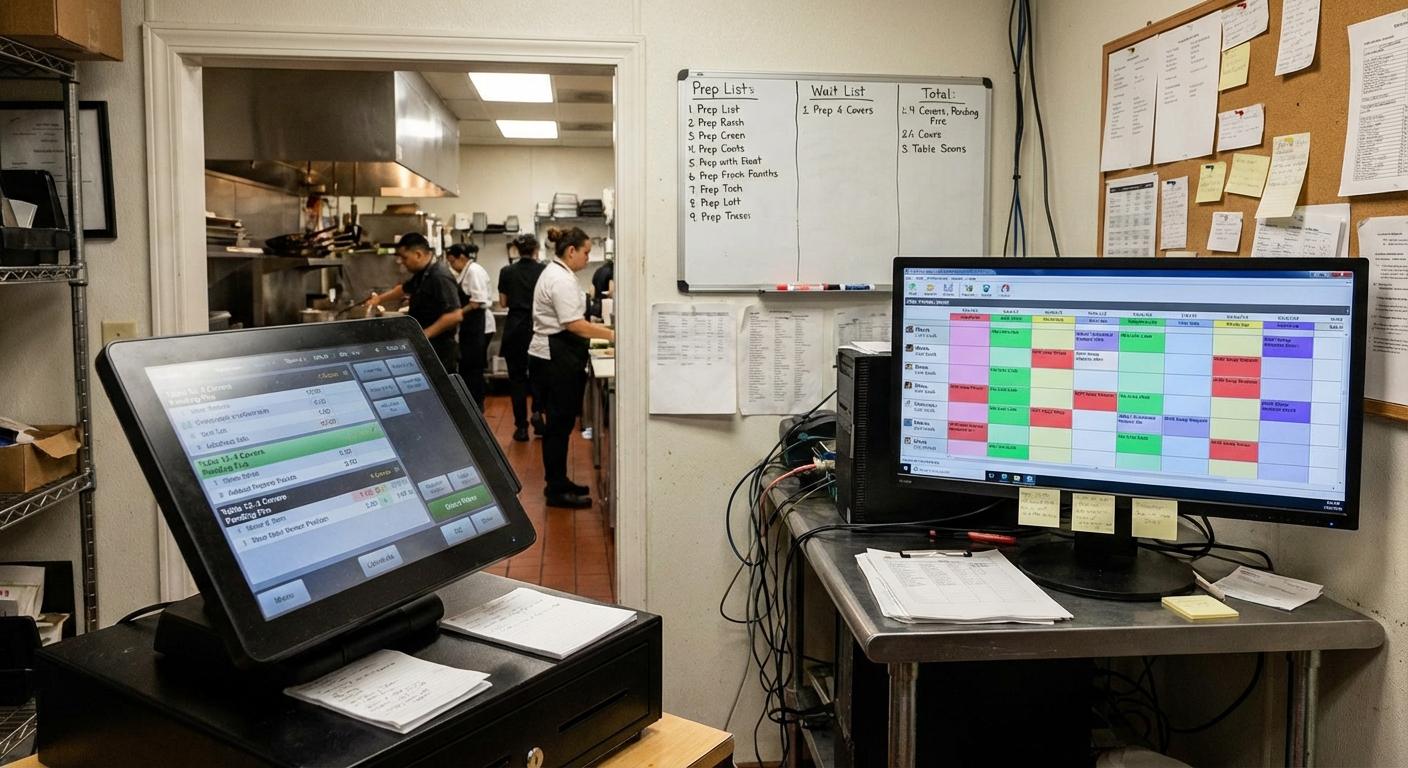
Your business priorities guide the advice
We connect your critical systems, security risks, and workflows to a practical plan, including where available AI tools could help and how to adopt them responsibly.
Where operations break down
Recurring technology problems that create delays, extra work, or avoidable exposure.
POS terminals freeze or lose connectivity during a rush
Delivery orders fail to reach the kitchen display or printer
Staff share accounts because access is not set up before a shift
The internet provider, POS vendor, and payment processor each point to another supplier
Nobody has recorded the current network layout, device list, or support contacts
Risks to plan around
Where downtime, access gaps, and outside dependencies can disrupt this type of organization.
A single flat network can let a problem on a guest or noncritical device reach business systems
Former employees may retain access when offboarding depends on memory
Unpatched terminals and office computers can expose stored business and customer information
Without a tested fallback, staff must improvise while customers are waiting
Compliance considerations
The rules and frameworks that may affect security controls, documentation, and operating decisions.
PCI DSS
Restaurants that accept cards have responsibilities for the people, processes, and technology within their payment environment.
Security and technology considerations: We can map payment-adjacent devices, review network separation and access, and document evidence for your payment provider or PCI assessor. We do not certify compliance.
FTC Data Security Guidance
FTC guidance recommends safeguards appropriate to the customer and employee information a business collects and keeps.
Security and technology considerations: We review where information is stored, who can reach it, and how suspected exposure is reported and handled.
CISA Small Business Cybersecurity Guidance
CISA guidance gives small businesses a practical starting point for accounts, devices, backups, and incident preparation.
Security and technology considerations: We compare current practices with those basics and turn the gaps into assigned, testable tasks.
Consulting, implementation, and ongoing support
A partner to assess cybersecurity priorities, evaluate AI offerings, and support implementation alongside the IT your team depends on.
Cybersecurity and managed IT
Restaurant Cybersecurity & Systems
Start with the equipment and accounts that affect taking orders, collecting payment, and running the back office.
- • Inventory of POS terminals, tablets, printers, network equipment, and responsible vendors
- • Separate network paths for guest access, business devices, and payment-adjacent equipment where the environment supports it
- • Named staff accounts, role permissions, and joiner-leaver steps for managers
- • Printed and digital runbooks for POS, internet, and online-order interruptions
AI consulting and implementation
AI Consulting for Restaurant Operations
Assess available AI offerings for manager reporting, internal procedures, scheduling coordination, and communications drafting. We compare cost, POS and scheduling integration, data handling, and staff workload before recommending tools or implementation.
- • AI opportunity assessment focused on recurring manager and administrative work
- • Comparison of available AI tools, existing platform features, costs, and vendor data terms
- • Adoption plan with approved data, manager review, staff training, and exception handling
- • Implementation support for an agreed pilot with value checks and a way to disable it
An example phased sequence
This is an illustrative order of work, not a delivery guarantee. We agree on timing after assessing the environment, scope, and operating constraints.
Days 1-30
Document the service stack and address urgent access gaps.
- • List each POS, ordering, payment, network, and back-office dependency
- • Record vendor account numbers, support contacts, and manager escalation roles
- • Remove stale accounts and correct unsafe shared or overly broad access
- • Discuss manager workload, available AI offerings, existing platform capabilities, and data boundaries
Days 31-60
Configure clearer boundaries and test fallback procedures.
- • Separate guest traffic from operational devices where equipment allows
- • Apply agreed update, endpoint, and account settings to in-scope devices
- • Walk a shift lead through offline payment and order-intake procedures approved by the relevant vendors
- • Compare AI options against POS and scheduling constraints, cost, data handling, and manager review needs
Days 61-90
Make the new procedures part of normal restaurant management.
- • Review recurring incidents by location, device, and supplier
- • Update onboarding and offboarding steps with named owners
- • Pilot an agreed AI workflow with manager review and decide whether to continue, adjust, or disable it
- • Retest a service interruption and revise the runbook from what staff observed
How the work stays on track
Clear ownership and an agreed order of work keep each phase accountable and manageable.
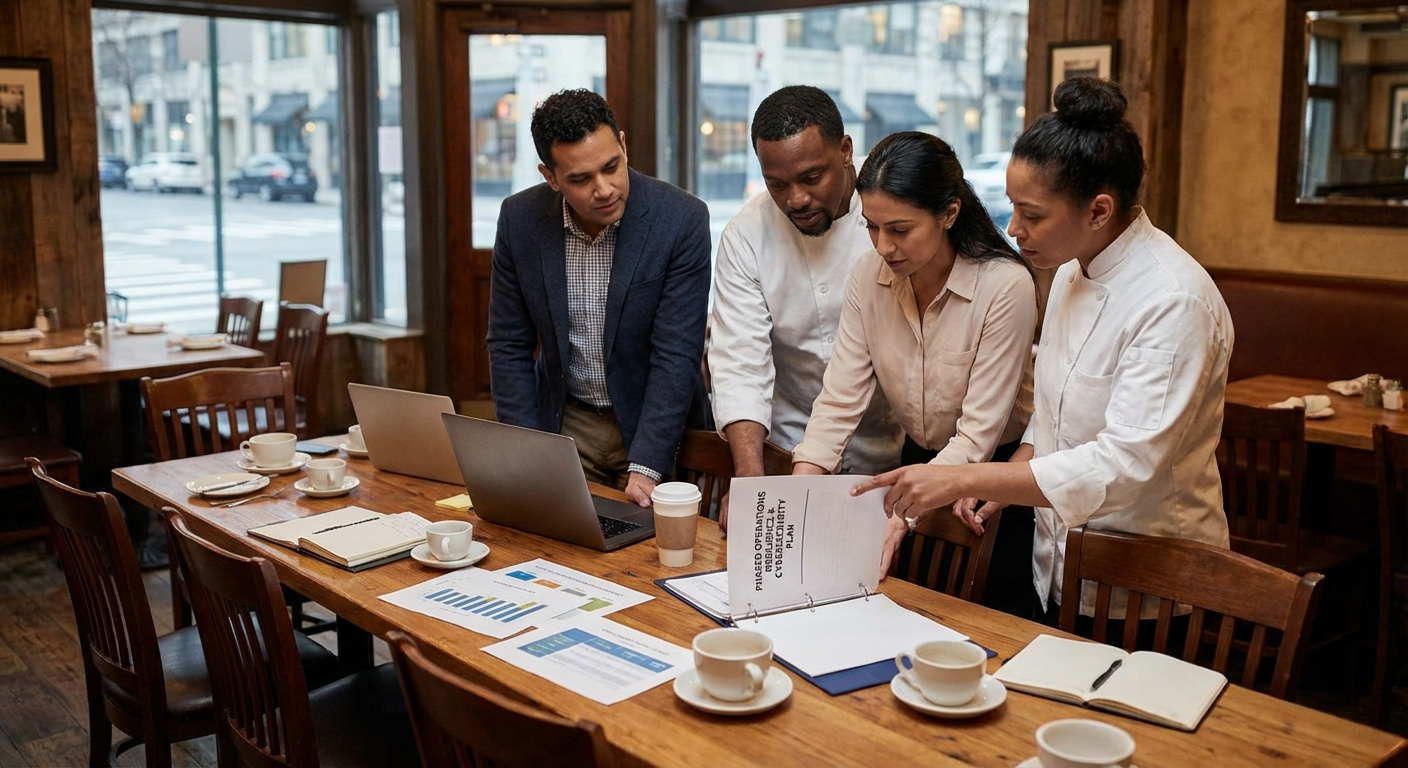
Work planned around your operations
We help you compare options, agree on priorities, and put the plan into practice. Each phase has an owner, review points, and timing that fits your operations.
Controls to address first
Security and operational practices to evaluate early in the engagement.
Record which systems are required to take, route, prepare, and close an order
Separate guest Wi-Fi from business and payment-adjacent devices where possible
Give staff individual access appropriate to their role
Keep a current offline procedure at the host stand or manager station
Remove departed staff and unused vendor accounts promptly
Confirm that backups cover the restaurant-owned data that must be recoverable
Keep POS, payment, internet, and ordering vendor contacts in one place
Practice the outage procedure with a manager before a real rush
Plans for common disruptions
How to prepare for and respond to incidents that can interrupt this kind of operation.
POS Stops Responding During Dinner Service
Trigger: Several terminals cannot open checks or send transactions while guests are waiting.
First response: Confirm whether the issue is local, network-wide, or vendor-side; assign one manager to the vendor call; and use the restaurant's approved offline procedure.
Stabilization: Verify every terminal, reconcile any offline or duplicate transactions with the processor, and record the failed component and vendor response.
Online Orders Do Not Reach the Kitchen
Trigger: A delivery marketplace shows accepted orders that are missing from the kitchen display or printer.
First response: Pause or limit the affected channel if the platform permits, compare the marketplace queue with the kitchen record, and contact the responsible integration vendor.
Stabilization: Reconcile each affected order, test the full order path, and update staff instructions for spotting the same failure sooner.
Unexpected Sign-In to a Manager Account
Trigger: A manager receives an alert or sees activity they do not recognize in a POS, email, or scheduling account.
First response: Disable or reset the account through an approved administrator, end active sessions, preserve available logs, and check connected accounts for changes.
Stabilization: Review what the account could access, correct permissions and authentication settings, and document notifications required by the facts and applicable obligations.
Frequently asked questions
Answers about cybersecurity, AI consulting, and technology support for restaurants & food service.
Do we have to replace our POS system first?
No. We begin by documenting the current setup, checking the surrounding network and accounts, and testing vendor escalation. We recommend replacement only when the existing platform cannot support the agreed operating or security requirements.
Can this work with staff who rotate between shifts?
Yes. We define manager-owned onboarding and offboarding steps, role-based access, and short response checklists that a shift lead can use without becoming an IT specialist.
Can you support more than one location?
Yes. We document the common standards and the differences at each site, including local equipment, providers, hours, and escalation contacts.
Can you help us choose practical AI tools for the restaurant?
Yes. We help identify useful tasks, compare available AI offerings and features in your current platforms, and assess cost, integration, and data handling. We can support a manager-reviewed pilot and staff training, with a clear way to disable the workflow if it is not useful.
Plan your restaurant’s cybersecurity and AI priorities
Tell us how your locations take orders, manage staff, and handle recurring work. We’ll define cybersecurity priorities, AI consulting, and practical implementation around service hours and your team’s capacity.